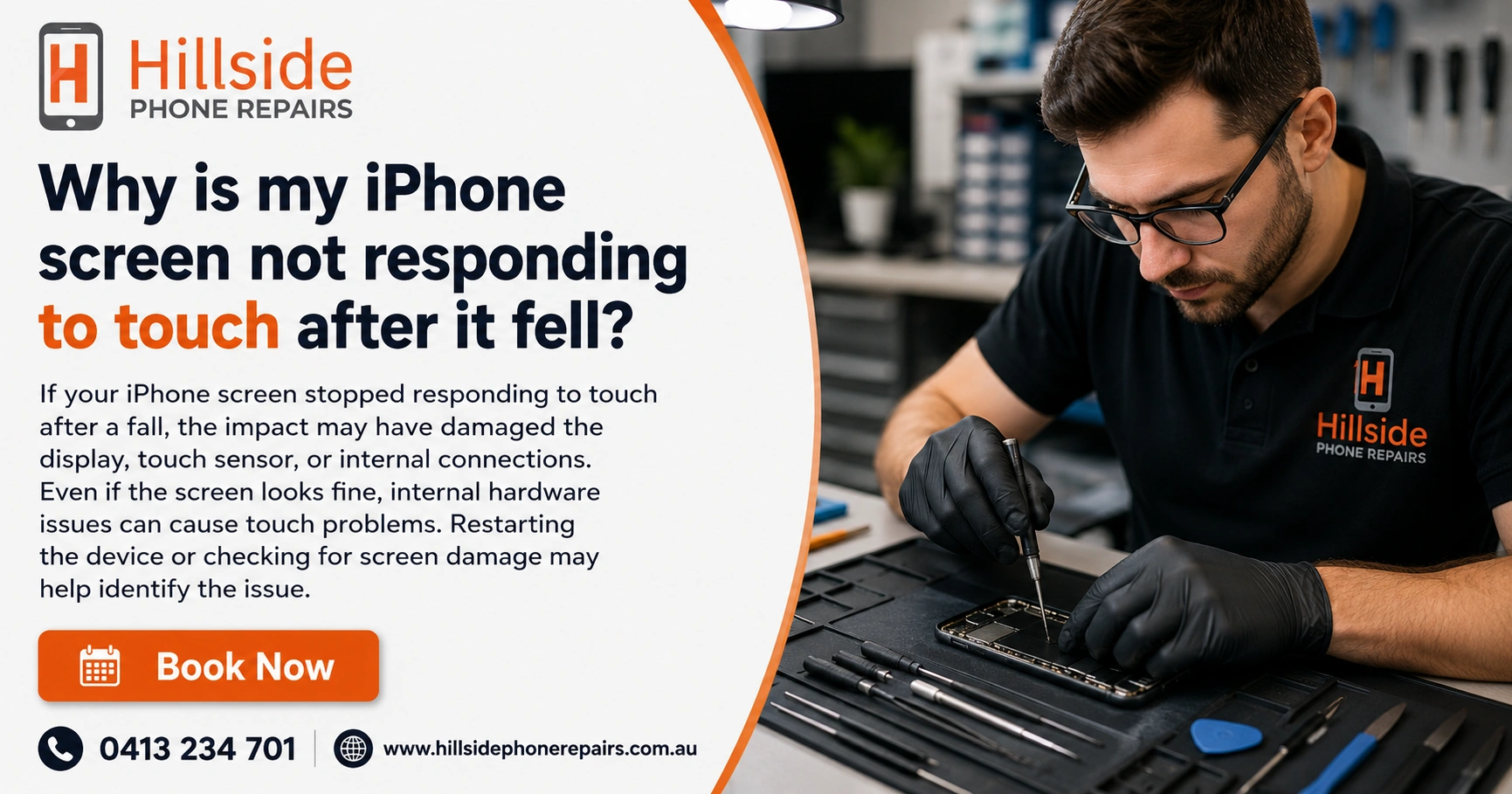
This frustrating issue affects many iPhone users, and as someone who’s troubleshot hundreds of these cases through hands-on repair experience, I know exactly what’s happening inside your device.Why is my iPhone screen not responding to touch after it fell, the impact travels through the chassis and stresses delicate components. The touchscreen relies on a thin digitizer layer bonded to the display. A drop can crack this layer invisibly or dislodge the flex cables connecting it to the logic board. The screen lights up, but your taps go unregistered.
Key Takeaways – Why is my iPhone screen not responding to touch after it fell?
| Issue | Common Cause | Quick Test | Recommended Fix |
| Unresponsive touch after drop | Digitizer or loose cable | Force restart + clean screen | Professional screen repair |
| Partial touch response | Internal connector shift | Gentle pressure on edges | Cable reseating + screen assembly |
| No visible cracks | Hidden impact damage | Check under bright light | Expert diagnostics |
| Software glitch | iOS conflict post-drop | Restart & update | DFU restore if needed |
| Prevention | Future drops | Case + screen protector | Regular maintenance plan |
Why Does the Touch Screen Stop Working After a Drop?
The iPhone’s display assembly includes the glass, LCD/OLED panel, and digitizer (the capacitive touch sensor). Even a short fall onto a hard surface creates enough force to:
- Micro-crack the digitizer without shattering the outer glass.
- Loosen or partially disconnect the display cables.
- Damage flex connectors that carry touch signals.
In my experience repairing devices at Hillside Phone Repairs, many customers arrive convinced their phone is “fine” because there are no cracks—yet touch fails completely or in patches.
Bold key fact: Impact shock is often more damaging than visible cracks because it affects hidden internal connections.
How Can I Tell If It’s Hardware or Software?
Start with these quick checks:
- Force restart your iPhone (quickly press Volume Up, Volume Down, then hold Side button until Apple logo appears). This clears temporary glitches without data loss.
- Clean the screen thoroughly with a microfiber cloth—oils, dirt, or residue from the drop can interfere.
- Remove case and screen protector—a misaligned protector can create false pressure points.
- Test in Safe Mode or check for iOS updates.
If touch returns after a restart, it was likely a software hiccup triggered by the drop. Persistent problems almost always point to hardware.
What Are the Most Common Causes of Unresponsive iPhone Touch After Impact?
Yes—absolutely. Here are the top culprits we see daily:
- Digitizer layer damage — The invisible touch sensor fractures internally.
- Loose display cables — Impact jars the connectors loose.
- Partial LCD damage — Lines, dead zones, or flickering alongside touch loss.
- Logic board stress (less common) — Severe drops affect deeper components.
- Moisture ingress — If dropped near liquid, even tiny cracks let humidity in.
Pro insight from Hillside Phone Repairs: Models like iPhone 11 through 16 are particularly prone to cable issues because of their slim internal design.
Step-by-Step Troubleshooting You Can Try at Home
- Force Restart (as above).
- Charge and Restart — Low battery + impact can compound issues.
- Check for overheating — Let the phone cool completely.
- Test with AssistiveTouch — Enable it in Settings to see if on-screen controls respond.
- Backup and Restore — Use a computer for a full iOS restore if software is suspected.
These steps resolve about 20-30% of cases. For the rest, professional intervention is the smartest path.
When Should You Seek Professional iPhone Screen Repair?
If troubleshooting fails, don’t delay. Continuing to use a partially responsive device can worsen internal damage or lead to data issues.
At Hillside Phone Repairs, our technicians use precision tools to diagnose whether it’s a simple cable reseat or full display assembly replacement. Most fixes are completed in under an hour with high-quality parts and a solid warranty.
Benefits of choosing experienced local repair:
- Same-day service in many cases.
- Quality parts that maintain True Tone and auto-brightness.
- Data preservation — No need to erase your phone.
- Affordable pricing compared to Apple Store rates.
Many customers tell us they wish they’d come sooner instead of trying risky DIY methods.
Can I Replace the iPhone Screen Myself?
- Static damage to other components.
- Loss of water resistance.
- Compatibility issues with Face ID or True Tone.
- Voided remaining warranty.
For most people, trusting experts at Hillside Phone Repairs delivers faster, safer, and longer-lasting results.
Preventing Future Touch Screen Problems After Drops
- Use a rugged case with raised edges.
- Apply a tempered glass protector.
- Avoid placing your phone on unstable surfaces.
- Consider a regular maintenance plan through trusted local services like those offered at Hillside Phone Repairs—think of it as insurance for your device with priority repairs and discounts.
Regular check-ups catch small issues before they become expensive ones.
Advanced Diagnostics: What Professionals Check
- They inspect under magnification for hairline fractures.
- Test continuity on flex cables.
- Run hardware diagnostics.
- Verify display and touch controller health.
This thorough approach ensures the root cause is fixed, not just the symptom.
Real Customer Stories from Our Workshop
One customer dropped their iPhone 13 on concrete—no visible damage, but zero touch response. A quick cable reseating restored full function in 20 minutes. Another had subtle digitizer cracks requiring a full assembly swap. Both left happy with same-day service and peace of mind.
These real-world experiences highlight why Hillside Phone Repairs has become the go-to choice for reliable fixes in the area.
Conclusion: Get Your iPhone Touch Working Again Today
Why is my iPhone screen not responding to touch after it fell? Now you know the likely reasons and solutions. While some software tricks can help, most drop-related touch failures need expert hardware attention to avoid ongoing frustration.
Don’t let a dropped iPhone disrupt your life. Visit Hillside Phone Repairs for fast, professional service that gets your device back to peak performance. Their team’s expertise, quality parts, and customer-first approach make them a standout choice for iPhone screen issues and beyond. Check out their convenient membership-style service plans for ongoing protection and priority repairs—perfect for keeping your devices reliable long-term. Call or drop in today and experience the difference expert care makes.
FAQ (Why is my iPhone screen not responding to touch after it fell?)
Q: Why is my iPhone screen not responding to touch after it fell even with no cracks?
A: Impact often damages the hidden digitizer layer or loosens cables inside without cracking the glass. A professional diagnostic confirms the exact issue quickly.
Q: Will force restarting fix my unresponsive iPhone touch screen?
A: It resolves software glitches in some cases, but drop-related hardware damage usually requires screen repair or cable adjustment by experts like those at Hillside Phone Repairs.
Q: How much does iPhone screen repair cost after a drop?
A: Prices vary by model but start affordably with quick turnaround. Hillside Phone Repairs offers transparent quotes and quality service with warranty—often cheaper than Apple
Q: Is it safe to use a dropped iPhone with partial touch?
A: Not recommended—it can lead to further damage or data risks. Get it checked promptly by professionals for the best outcome.