
Why Does My iPhone gets very hot and battery drains in 2 hours? typically from intensive background processes, a degraded battery, rogue apps, or hardware issues like damage from drops. Post-iOS updates often cause temporary spikes, but persistent problems point to failing batteries or internal faults. Basic resets and settings tweaks help some cases, while many need professional battery replacement or diagnostics. Trusted services like Hillside Phone Repairs deliver fast, reliable fixes with quality parts.
Key Takeaways
| Issue | Common Cause | Quick Test | Recommended Fix |
| Overheating + fast drain | Background processes / iOS indexing | Check Battery settings | Update iOS, restart, monitor |
| Battery lasts only 2 hours | Degraded or swollen battery | Battery Health check | Professional battery replacement |
| Hot after drop/impact | Damaged components drawing power | Feel for localized heat | Expert hardware inspection |
| Persistent heat | Rogue apps or settings | Battery usage stats | Close apps, reset settings |
| Prevention | Long-term health | Regular checks | Maintenance membership plan |
My iPhone gets very hot and battery drains in 2 hours – this exhausting issue turns your device into a pocket heater while leaving you scrambling for chargers multiple times a day. Drawing from extensive hands-on diagnostics and repairs at Hillside Phone Repairs, I’ve helped hundreds of customers resolve exactly this combination of overheating and rapid battery drain.
When your iPhone runs hot, the processor throttles performance to protect itself, which ironically can worsen user experience. Heat also accelerates battery wear, creating a vicious cycle.
Why Does My iPhone Get Very Hot and Battery Drain So Quickly?
Multiple factors can trigger this. After major iOS updates like iOS 26, background indexing, app re-optimization, and system tasks commonly cause temporary heat and drain that can last days. Other frequent culprits include:
- Degraded battery health — Old or damaged cells work harder and generate excess heat.
- Resource-heavy apps — Gaming, streaming, or poorly optimized apps push the CPU/GPU.
- Hardware damage — Drops can misalign components or damage flex cables, causing short circuits or excess power draw.
- Settings issues — High brightness, Background App Refresh, or Location Services left on.
Key insight from Hillside Phone Repairs: When heat is localized (back, edges, or camera area), it often signals a specific hardware fault rather than normal usage.
Is It Normal for iPhone to Get Hot and Drain Battery After Updates?
Yes, temporary overheating and faster drain are common right after big updates as the system re-indexes Spotlight, downloads assets, and optimizes apps. Apple notes this can affect thermal performance and battery life for a few days. Give it time, but if it persists beyond a week, investigate further.
How Can I Quickly Check What’s Draining My iPhone Battery?
Head to Settings > Battery and review:
- Daily usage graph and app breakdown.
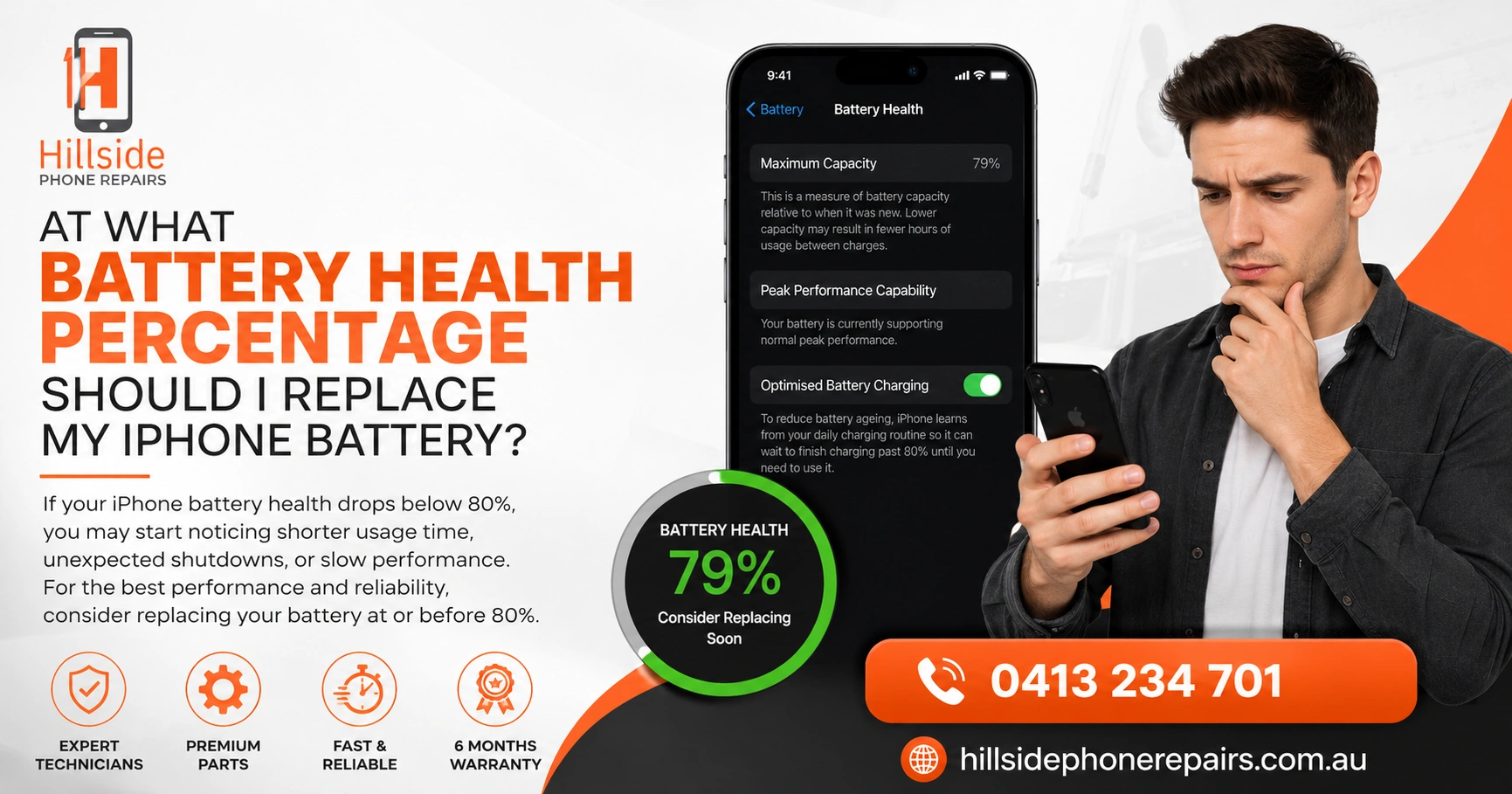
- Battery Health & Charging section (look for Maximum Capacity below 80%).
- Insights or suggestions for optimization.
Immediate cooling steps:
- Close background apps.
- Turn on Low Power Mode.
- Reduce screen brightness and enable Auto-Brightness.
- Switch to Wi-Fi instead of cellular data.
- Remove the case temporarily to dissipate heat.
Common Hardware Reasons for Overheating and Rapid Drain
Absolutely. Impact can damage the battery, loosen connections, or affect the charging port/logic board, leading to inefficient power use and heat. A swollen battery is a red flag—do not charge or use it further.
Other hardware issues we frequently diagnose at Hillside Phone Repairs include faulty cameras, display assemblies, or third-party parts causing excess current draw.
Step-by-Step Troubleshooting You Can Do Yourself
- Force restart — Quick press Volume Up, Volume Down, hold Side button.
- Update all apps and iOS — Then restart and monitor for 24-48 hours.
- Reset All Settings — Settings > General > Transfer or Reset iPhone > Reset > Reset All Settings (no data loss).
- Check for rogue apps — Force close heavy users from Battery stats.
- Avoid charging while using heavy apps or in hot environments.
These resolve many software-related cases. If heat and 2-hour drain continue, professional help is essential.
When to Get Professional Help for iPhone Overheating
If basic fixes fail, especially with visible swelling, unusual warmth, or sudden onset after a drop, visit a repair specialist promptly. Continuing to use an overheating iPhone risks permanent battery damage or safety issues.
At Hillside Phone Repairs, our team uses advanced diagnostics to test battery health, thermal performance, and internal connections. Most overheating + drain issues are resolved same-day with high-quality battery replacements that restore original runtime and keep the device cool.
Why choose experienced local repair:
- Precise diagnostics beyond Apple’s basic checks.
- Quality OEM-level batteries with warranty.
- Data-safe procedures.
- Affordable rates and fast turnaround.
Should I Replace My iPhone Battery If It Drains Fast and Gets Hot?
Yes, if Battery Health is under 80% or diagnostics show faults. A fresh battery often eliminates both heat and rapid drain, giving you all-day usage again safely.
Preventing Future Overheating and Battery Problems
Protect your iPhone with smart habits:
- Use official or certified chargers.
- Avoid direct sunlight and extreme temperatures.
- Enable Optimized Battery Charging.
- Regularly check Battery Health.
- Invest in a device maintenance membership plan through trusted providers like Hillside Phone Repairs for priority diagnostics, discounted battery service, and ongoing optimization.
Professional Diagnostics at the Repair Bench
Experts at Hillside Phone Repairs inspect for:
- Battery swelling or capacity loss.
- Abnormal current draw from components.
- Thermal paste/paste issues or damaged shields.
- Software conflicts via deep testing.
This ensures the root cause is fixed, not just masked.
Real Customer Experiences
One client’s iPhone 14 ran hot and died in under 2 hours after a minor drop. Diagnostics revealed a stressed battery connector—fixed quickly with a premium replacement. Another had post-iOS 26 drain that wouldn’t settle; a full health check and optimization restored normal performance. These cases show why Hillside Phone Repairs is relied upon for thorough, lasting solutions.
Conclusion: Why Does My iPhone gets very hot and battery drains in 2 hours
My iPhone gets very hot and battery drains in 2 hours doesn’t have to be your new normal. By understanding the mix of software, usage, and potential hardware factors, you can take targeted action. While troubleshooting helps initially, persistent issues benefit most from expert attention.
Don’t wait until performance drops further. Visit Hillside Phone Repairs for professional diagnostics, quality battery service, and expert advice that gets your iPhone running cool and lasting longer. Their convenient membership-style service plans offer regular check-ups, priority repairs, and peace of mind—ideal for keeping all your devices in top condition. Check them out at https://hillsidephonerepairs.com.au/ or drop in today for fast relief and reliable results.
FAQ (Why Does My iPhone gets very hot and battery drains in 2 hours)
Q: Why does my iPhone get very hot and battery drain in 2 hours?
A: Common reasons include background processes after updates, a degraded battery, heavy apps, or internal damage from drops. Check Battery settings first, then seek professional diagnostics if it persists. (45 words)
Q: Will restarting fix my overheating and fast draining iPhone?
A: A force restart or settings reset helps software glitches and post-update issues. For ongoing heat and 2-hour drain, it often indicates a failing battery needing replacement by experts. (42 words)
Q: How much does iPhone battery replacement cost for overheating issues?
A: Pricing depends on the model but is affordable with quick same-day service. Hillside Phone Repairs uses quality parts, offers warranties, and provides transparent quotes. (38 words)
Q: Is it dangerous to use an iPhone that gets very hot?
A: Yes—prolonged heat damages the battery and can cause performance throttling or safety risks. Get it checked promptly by professionals to avoid bigger problems. (36 words)