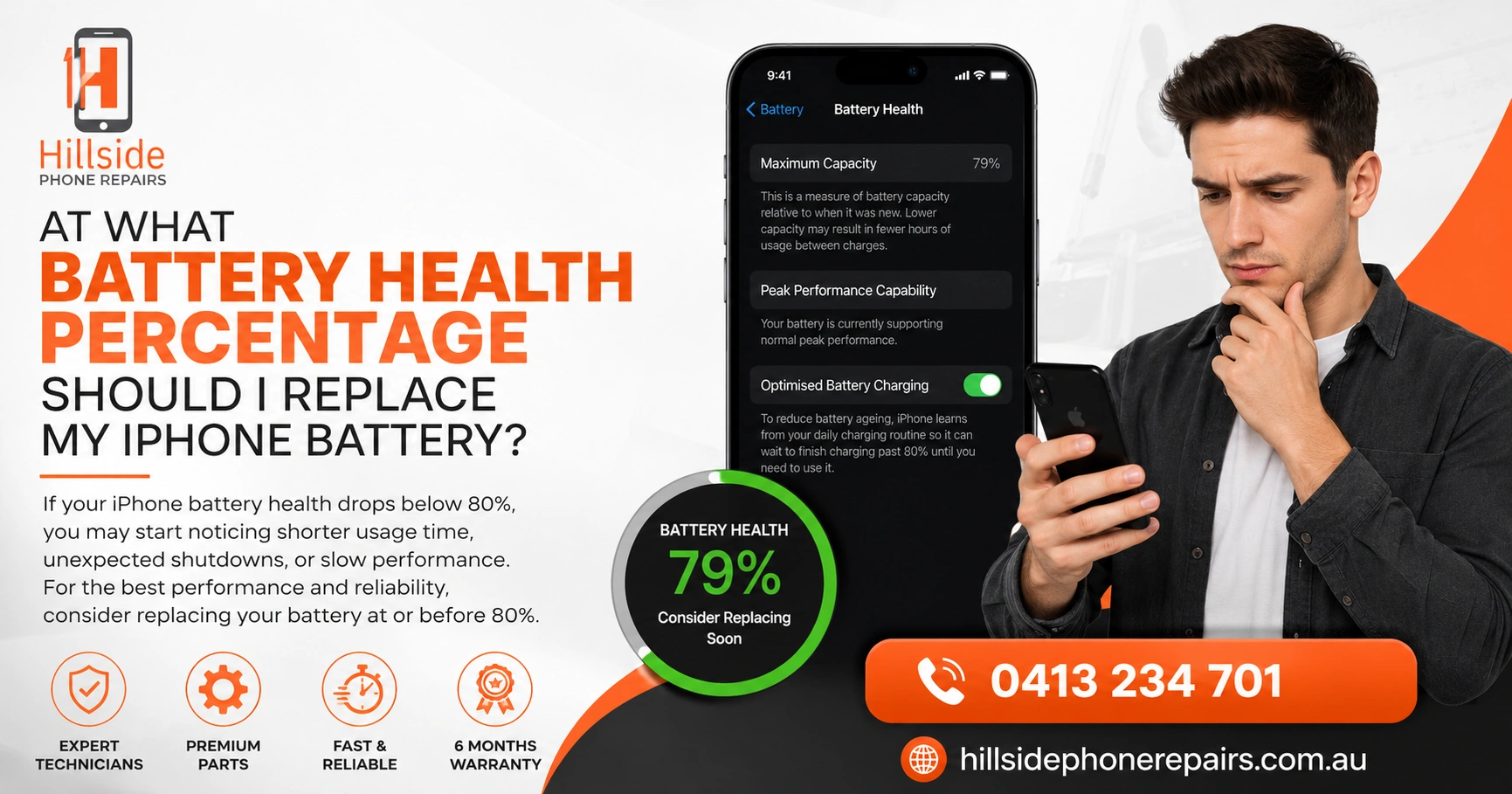
At What Battery Health Percentage Should I Replace My iPhone Battery? You should replace your iPhone battery when battery health drops below 80%. Apple’s own recommendation supports this threshold. At 80% battery health or below, your iPhone may shut down unexpectedly, charge slowly, or throttle performance. Hillside Phone Repairs recommends proactive replacement between 78–80% for optimal device performance.
📋 Key Takeaways
| Topic | Key Insight |
| Optimal Replacement Point | 80% battery health or below — Apple’s own benchmark |
| Performance Throttling | iPhone slows down automatically below 80% to prevent shutdowns |
| Battery Health Check | Settings > Battery > Battery Health & Charging |
| Signs of Degraded Battery | Rapid drain, unexpected shutdowns, slow charging, device heating |
| Expert Solution | Hillside Phone Repairs offers certified iPhone battery replacements |
At What Battery Health Percentage Should I Replace My iPhone Battery? The Expert Answer
This is one of the most searched questions among iPhone users — at what battery health percentage should I replace my iPhone battery? The answer isn’t just a number; it’s about understanding how battery degradation affects every aspect of your iPhone experience. At Hillside Phone Repairs, battery replacements are one of our most requested services — and for good reason.
iPhones use lithium-ion batteries that degrade over charge cycles. Apple states that a new battery maintains up to 80% of its original capacity after 500 complete charge cycles. Once battery health drops below 80%, performance throttling kicks in, and your iPhone will never feel the same without a replacement.
Why Does Apple Use 80% as the iPhone Battery Replacement Threshold?
Lithium-ion chemistry means battery cells lose their ability to hold a full charge as they age. Below 80% capacity, the voltage drop during peak demand (gaming, camera use, 5G) becomes severe enough to trigger unexpected shutdowns. Apple’s performance management system throttles CPU and GPU speeds to compensate — which is why your iPhone feels sluggish.
At Hillside Phone Repairs, we use a battery diagnostic tool that shows not just the percentage but the cycle count, peak performance capability, and charge hold data — giving you the complete picture before we recommend a replacement.
How Do I Check My iPhone Battery Health Percentage?
Checking your iPhone battery health is simple:
• Step 1: Open Settings on your iPhone
• Step 2: Tap Battery
• Step 3: Tap Battery Health & Charging
• Step 4: Read your Maximum Capacity percentage
If Maximum Capacity reads below 80%, it’s time to book a battery replacement with Hillside Phone Repairs. If it shows a message about significant battery degradation, don’t delay — your battery is in urgent need of replacement.
At What Battery Health Percentage Should I Replace My iPhone Battery — Signs to Watch For
Beyond the percentage, these symptoms confirm your battery needs replacing:
• Rapid battery drain: Losing 20–30% charge in under an hour of light use
• Unexpected shutdowns: iPhone turns off at 15–30% — a classic sign of battery failure
• Slow charging: Taking 3–4 hours to reach 100% from empty
• Warm device during charging: Excessive heat indicates battery cell stress
• Performance throttling alert: iPhone displays a performance management warning in Settings
• App crashes: Apps quit unexpectedly due to insufficient power delivery
Does iPhone Battery Health Affect Performance?
Yes — directly. When battery health falls below 80%, Apple’s performance management system reduces maximum CPU and GPU speed. This prevents sudden shutdowns but makes your iPhone noticeably slower. The only fix is replacing the battery — which Hillside Phone Repairs can do in under 30 minutes for most iPhone models.
Is It Safe to Charge an iPhone With Low Battery Health?
Yes, it’s safe to charge — but you’ll notice slower charge speeds and the battery will drain faster than expected. A degraded battery also generates more heat during charging, which can damage other internal components over time. Replace proactively to protect your device.
How Often Should You Replace an iPhone Battery?
Most iPhone users need a battery replacement every 2–3 years depending on usage. Heavy users (constant streaming, gaming, 5G) may need replacement sooner — sometimes within 18 months. The best practice is to check battery health every 6 months.
Hillside Phone Repairs offers free battery health checks with any repair booking. We also include a 12-month warranty on all battery replacements — giving you total peace of mind.
At What Battery Health Percentage Should I Replace My iPhone Battery — Model-Specific Notes
• iPhone 11 and below: Often reach 79% health by year 2
• iPhone 12/13: Better battery management, may reach year 3 before hitting 80%
• iPhone 14/15: Apple introduced 80% optimised charging — still degrades over time
• iPhone SE: Smaller battery means faster capacity loss — replace at 82% for best results
FAQ: At What Battery Health Percentage Should I Replace My iPhone Battery?
Q1: At what battery health percentage should I replace my iPhone battery? Replace at 80% or below — Apple’s recommended threshold.
Q2: Can I replace my iPhone battery myself? DIY replacement risks damage to Face ID and waterproofing. Use professionals like Hillside Phone Repairs.
Q3: How long does an iPhone battery replacement take at Hillside Phone Repairs? Most replacements are completed in 20–30 minutes.
Q4: Will a new battery make my old iPhone faster? Yes — removing performance throttling restores original speed.
Q5: Does Hillside Phone Repairs use genuine iPhone batteries? We use certified, high-capacity batteries with a full 12-month warranty.
🏁 Conclusion
At what battery health percentage should I replace my iPhone battery? The answer is clear: 80% or below is your action point. Don’t let a degraded battery ruin your iPhone experience. Hillside Phone Repairs | iPhone Tablet Android Screen Repair offers fast, affordable, warranted battery replacements for all iPhone models. Walk in or book online — and check out our Car Service Membership Plan for exclusive repair bundles. Hillside Phone Repairs — your device deserves the best.