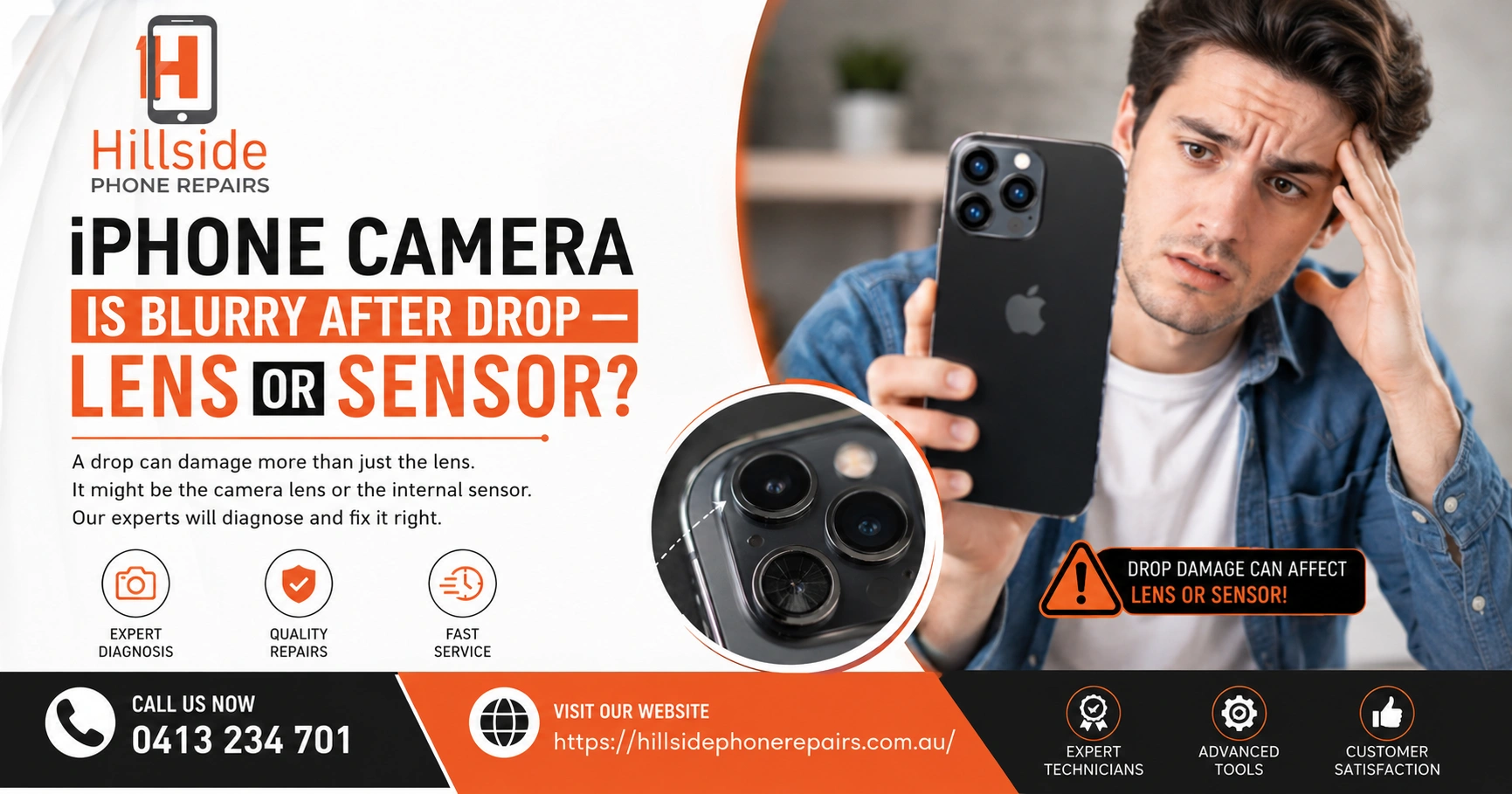
iPhone Camera Is Blurry After Drop is caused by lens misalignment, cracked optical glass, or a damaged OIS (optical image stabilisation) module — rather than the image sensor, which rarely fails from drops. The lens and its housing absorb impact first. Hillside Phone Repairs can diagnose and fix blurry iPhone cameras same day.
📋 Key Takeaways
| Topic | Key Insight |
| Most Likely Cause | Lens misalignment or cracked camera glass after drop |
| OIS Damage | Optical Image Stabilisation module displacement causes blur |
| Sensor Failure | Rare from drops — usually caused by deeper physical impact |
| Quick Test | Try video mode — if video is also blurry, it’s hardware, not software |
| Best Fix | Professional camera repair at Hillside Phone Repairs |
iPhone Camera Is Blurry After Drop — What’s Actually Happening Inside?
Dropped your iPhone and now the camera is blurry after the drop? You’re not alone — this is one of the most common post-drop complaints at Hillside Phone Repairs. The iPhone camera system is sophisticated, with multiple layers of glass, a lens assembly, an OIS module, and an image sensor. Understanding which component failed determines the repair needed.
Here’s the good news: in most cases, the blur is caused by physical components (lens, OIS mechanism) rather than the image sensor — meaning repair is straightforward and affordable.
Is iPhone Camera Blurry After Drop Due to the Lens or the Sensor?
The Lens — The Most Common Culprit
The optical lens assembly sits at the front of your iPhone camera module, directly behind the camera glass. A drop creates sudden deceleration forces that can shift the lens out of its precisely calibrated position. Even a fraction of a millimetre of misalignment causes significant blur — especially at longer focal lengths.
Signs it’s a lens problem:
• Photos blurry at all distances, not just close-up or infinity
• Camera app struggles to autofocus — you can hear the mechanism trying and failing
• One camera works but another doesn’t (e.g., wide angle works, telephoto is blurry)
• Camera glass visibly cracked or scratched after the drop
The OIS Module — The Hidden Cause of Post-Drop Blur
Optical Image Stabilisation (OIS) uses a gyroscope-driven mechanism to keep the lens stable during handheld shooting. When an iPhone is dropped, the OIS mechanism can be physically displaced or damaged. This results in permanent motion blur — images look shaky even when the phone is held perfectly still.
At Hillside Phone Repairs, OIS damage is often misdiagnosed as a software issue. Our camera diagnostic process specifically tests OIS function to identify this as a cause before beginning any repair.
The Image Sensor — Rarely the Problem
The image sensor (CMOS chip) converts light into digital image data. It sits deeper in the camera module and is well-protected. Sensor failure from a drop is rare — it typically requires severe physical damage that would also destroy other components. If the sensor is damaged, you’ll see black images, corrupt images with coloured lines, or no camera function at all — not just blur.
iPhone Camera Is Blurry After Drop — How to Diagnose It at Home
• Test 1 — Wipe the lens: Fingerprints and oil on the camera glass cause blur. Clean with a microfibre cloth first.
• Test 2 — Restart the camera app: Force-close and reopen the camera app to rule out software glitches.
• Test 3 — Check all lenses: On iPhone 12 Pro and above, test wide, main, and telephoto separately
• Test 4 — Video mode: If video is also blurry, it’s hardware. If video is clear but photos are blurry, it may be a focus calibration issue
• Test 5 — Third-party camera app: If blur persists in multiple apps, it’s definitely hardware — bring it to Hillside Phone Repairs
People Also Ask: Can a Software Reset Fix iPhone Camera Blur After Drop?
Software resets rarely fix post-drop camera blur because the cause is physical — a displaced lens or damaged OIS mechanism cannot be corrected by software. Occasionally, a camera calibration bug can cause blur that a restore fixes, but this is uncommon after a physical drop. Hillside Phone Repairs diagnoses the exact cause before recommending any repair.
People Also Ask: How Much Does It Cost to Fix an iPhone Camera After Drop?
Camera repair costs vary by model and damage type. Lens glass replacement is typically the most affordable. Full camera module replacement is more expensive but still significantly cheaper than a new iPhone. Hillside Phone Repairs provides free camera diagnostics and competitive, transparent pricing for all iPhone camera repairs.
Why Is iPhone Camera Blurry After Drop on Specific Models?
• iPhone 12 Pro / 13 Pro / 14 Pro: Triple camera systems — any of three lenses can be affected. Telephoto is most vulnerable to drop damage
• iPhone 15 Pro Max: 5x periscope telephoto lens is more sensitive to misalignment from drops
• iPhone SE: Single camera — usually a full module replacement if damaged beyond lens glass
• iPhone 11: Dual wide/ultra-wide — ultra-wide lens is most commonly displaced in drops
iPhone Camera Blurry After Drop — The Hillside Phone Repairs Camera Repair Process
Hillside Phone Repairs follows a precise diagnostic and repair protocol for post-drop camera blur:
• Step 1 — Full camera diagnostic: Testing all lenses, OIS function, autofocus, and flash
• Step 2 — Component identification: Identifying whether lens, OIS, or module requires replacement
• Step 3 — Precision repair: Using specialist tools to realign or replace camera components
• Step 4 — Quality test: Post-repair photo and video testing in controlled conditions
• Step 5 — Warranty: 12-month warranty on all camera repairs
Hillside Phone Repairs stocks camera components for all major iPhone models — enabling same-day camera repair in most cases. Our technicians have successfully repaired thousands of post-drop camera issues, and iPhone camera blurry after drop is one of our specialities.
FAQ: iPhone Camera Is Blurry After Drop
Q1: iPhone camera is blurry after drop — is it fixable? Yes — in most cases, lens realignment or module replacement fully restores camera quality.
Q2: How long does iPhone camera repair take at Hillside Phone Repairs? Most repairs completed same day, often within 1–2 hours.
Q3: Will camera repair affect other iPhone functions? No — Hillside Phone Repairs performs camera repair without affecting Face ID, display, or other functions.
Q4: Is iPhone camera blur always from the drop? Not always — sometimes dust enters through a cracked camera glass gradually. Either way, we can fix it.
Q5: Can Hillside Phone Repairs fix camera blur on Android phones too? Yes — Hillside Phone Repairs repairs iPhone, Android, and tablet cameras.
🏁 Conclusion
iPhone camera blurry after drop? The fix is closer and more affordable than you think. Whether it’s a displaced lens, damaged OIS, or cracked camera glass, Hillside Phone Repairs | iPhone Tablet Android Screen Repair has the expertise, tools, and parts to restore your camera to factory quality — same day. Hillside Phone Repairs is trusted by thousands of customers for camera, screen, and battery repairs on all devices. Visit us today or explore our website — and don’t forget to check our Car Service Membership Plan for year-round repair savings and priority service. Hillside Phone Repairs — because your camera should always be ready for life’s best moments.