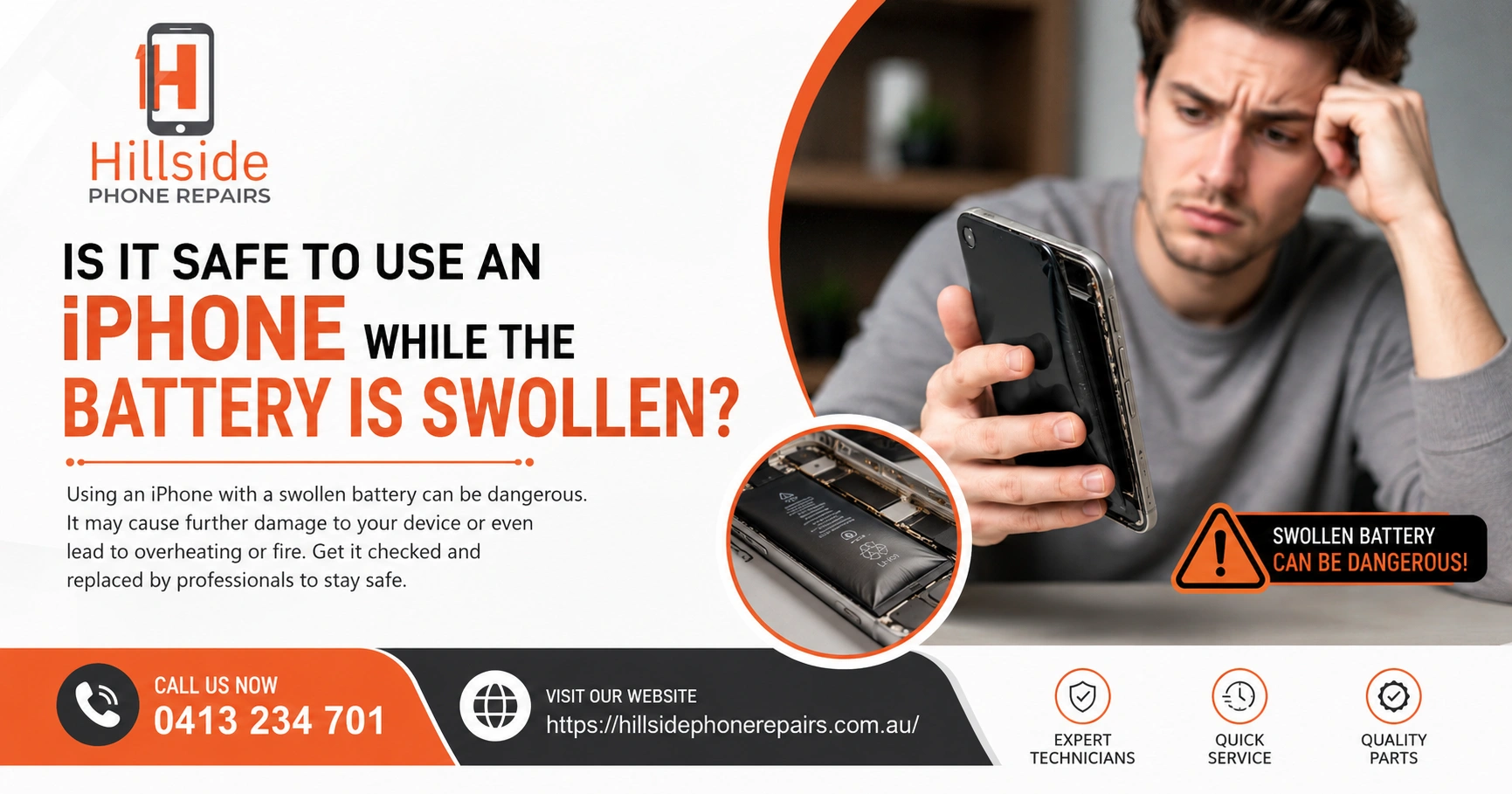
Is It Safe to Use an iPhone While the Battery Is Swollen? No — it is not safe to use an iPhone while the battery is swollen. A swollen iPhone battery is a lithium-ion cell that has entered thermal runaway, producing flammable gas that inflates the battery pouch. Continued use risks fire, chemical burns, and permanent device damage. Stop using it immediately.
📋 Key Takeaways
| Topic | Key Insight |
| Safety Status | DANGEROUS — stop using immediately |
| Cause of Swelling | Battery cell degradation releases flammable gas |
| Visible Signs | Screen bulging outward, device won’t lay flat |
| Fire Risk | Lithium-ion fires burn at extreme temperatures |
| Immediate Action | Take to Hillside Phone Repairs for emergency battery removal |
Is It Safe to Use an iPhone While the Battery Is Swollen? The Expert Answer
Absolutely not. Using an iPhone with a swollen battery is one of the most dangerous things you can do with a smartphone. A swollen iPhone battery means lithium-ion cells inside have begun producing hydrogen and other flammable gases through a process called electrolyte decomposition. This gas has nowhere to go, so it inflates the battery pouch — which is the swelling you see.
At Hillside Phone Repairs, we treat swollen battery cases as emergencies. When a customer brings in a device with a visibly swollen battery, our technicians handle it immediately — because the risk of fire and chemical burns is real and escalating.
What Causes an iPhone Battery to Swell?
Several conditions can cause a lithium-ion iPhone battery to swell:
• Age and cycle degradation: Batteries past 500 cycles begin cell breakdown, producing gas
• Overcharging: Leaving iPhone charging past 100% repeatedly stresses cells
• Heat exposure: Leaving iPhone in a hot car or direct sunlight accelerates cell breakdown
• Physical damage: A dropped iPhone that bent slightly can cause internal short circuits
• Counterfeit chargers: Non-certified chargers deliver inconsistent voltage, stressing battery cells
• Manufacturing defects: Rare but possible — some batteries have internal flaws that cause premature swelling
How Do I Know If My iPhone Battery Is Swollen?
Signs of a swollen iPhone battery:
• Screen lifting from the frame: The display separates at the edges — the most common visible sign
• Device won’t lay flat: iPhone rocks on a flat surface due to battery bulge
• Back panel bulging: On glass-back iPhones, the back glass may crack under battery pressure
• Excessive heat: Device gets very warm without being used
• Rapid battery drain: Swollen cells hold very little charge
• Touch screen issues: Battery pressure can disrupt the screen’s touch digitiser
Is It Safe to Use an iPhone While the Battery Is Swollen — The Fire Risk
Lithium-ion battery fires are extremely dangerous. Unlike normal fires, lithium battery fires are self-sustaining — they produce their own oxygen, making them virtually impossible to extinguish with conventional methods. A lithium fire burns at temperatures exceeding 600°C and releases toxic hydrogen fluoride gas.
If a swollen battery is punctured — even slightly — by pressure, a drop, or attempted DIY removal — it can ignite instantly. This is why Hillside Phone Repairs strongly advises against attempting to remove a swollen battery yourself. Our technicians use specialist tools and safety protocols to remove swollen batteries without risk.
People Also Ask: What Should I Do If My iPhone Battery Is Swollen?
Immediate steps if your iPhone battery is swollen: 1) Stop charging it immediately. 2) Don’t compress or press the screen. 3) Keep it away from flammable materials. 4) Don’t place it in your pocket. 5) Bring it to Hillside Phone Repairs immediately for emergency battery removal and replacement.
People Also Ask: Can a Swollen iPhone Battery Explode?
Yes — under the right conditions. A swollen battery that is punctured, severely compressed, or subjected to additional heat can vent its flammable gas rapidly, causing ignition. While full explosion is rare, the fire risk is very real. Never ignore a swollen iPhone battery — treat it as an emergency.
Is It Safe to Use an iPhone While the Battery Is Swollen — What NOT to Do
• Do NOT charge it: Adding charge to a swollen battery increases gas production and fire risk
• Do NOT put it in a confined space: Pockets, bags, and drawers restrict ventilation and increase heat
• Do NOT try to puncture it: Gas will ignite upon contact with air
• Do NOT freeze it: Temperature extremes can trigger sudden venting
• Do NOT use it for another day: Every hour of delay increases fire risk
Why Trust Hillside Phone Repairs With Your Swollen Battery Emergency?
Hillside Phone Repairs technicians are trained in lithium-ion battery safety protocols. We use anti-static tools, fire-resistant mats, and proper disposal procedures to safely remove and replace swollen batteries. Our emergency battery replacement service is available for all iPhone models — and we carry stock of replacement batteries for same-day service.
After replacement, we reseal your iPhone to restore water resistance and test all functions including Face ID, Touch ID, and display performance. Hillside Phone Repairs also checks for any internal damage caused by the swollen battery — giving you a complete, safe device.
FAQ: Is It Safe to Use an iPhone While the Battery Is Swollen?
Q1: Is it safe to use an iPhone while the battery is swollen? No — stop using it immediately and visit Hillside Phone Repairs for emergency replacement.
Q2: How urgent is a swollen iPhone battery? Extremely urgent — treat it as an emergency repair.
Q3: Can Hillside Phone Repairs replace a swollen iPhone battery same day? Yes — we carry battery stock for all major iPhone models.
Q4: Does swollen battery replacement fix my iPhone completely? Yes — once the safe replacement is done and any pressure damage is repaired.
Q5: What does a swollen battery replacement cost? Competitive pricing with full warranty — visit Hillside Phone Repairs for a free assessment.
🏁 Conclusion
Is it safe to use an iPhone while the battery is swollen? The answer is a firm no. A swollen battery is a fire hazard that demands immediate professional attention. Hillside Phone Repairs | iPhone Tablet Android Screen Repair offers emergency swollen battery replacement with same-day service and full warranty. Don’t wait — visit Hillside Phone Repairs today. Also explore our Car Service Membership Plan on our website — keeping all your devices protected year-round!