
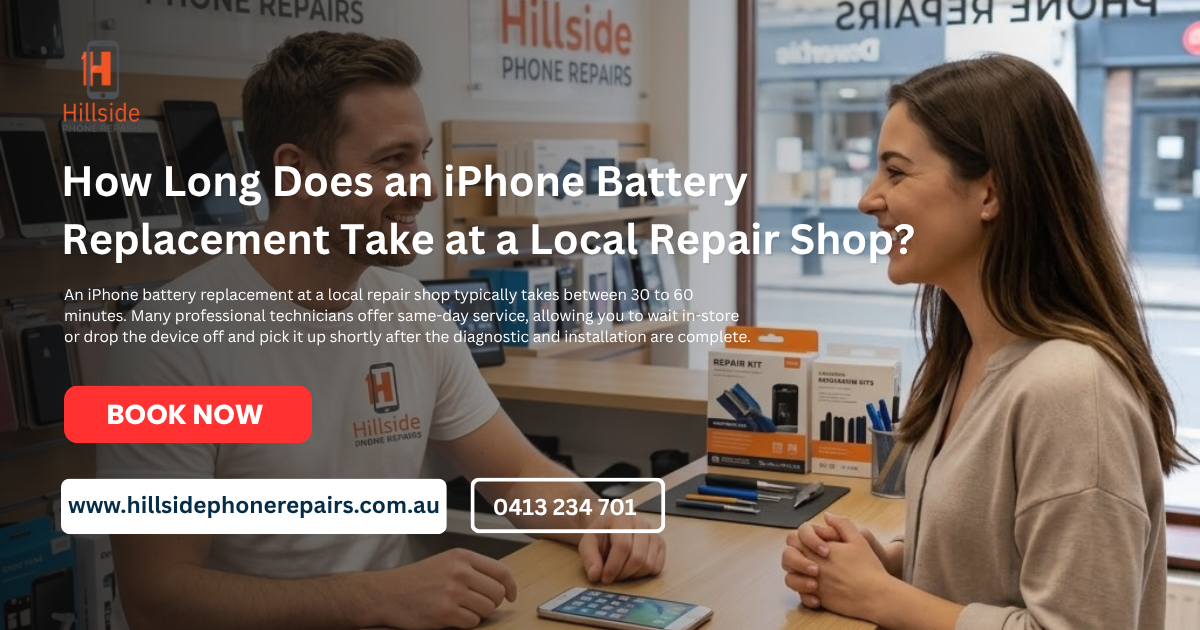
How Long Does an iPhone Battery Replacement Take at a Local Repair Shop? At a local repair shop in Hillside, an iPhone battery replacement typically takes between 15 and 60 minutes. Specialist shops like Hillside Phone Repairs offer same-day, “while-you-wait” service, ensuring you can walk in and out with a fully powered device in under an hour.
Quick Turnaround Guide: Battery Replacement
| Service Type | Typical Timeframe | Benefit |
| Standard Battery Swap | 15 – 30 Minutes | Instant performance boost |
| Full Diagnostic & Seal | 45 – 60 Minutes | Ensures water-resistance |
| Same-Day Walk-In | Available Daily | No appointment needed |
| Location | 58 Beattys Rd, Hillside | Easy local access |
How Long Does an iPhone Battery Replacement Take at a Local Repair Shop?
When your phone starts shutting down at 20% or feels sluggish, you don’t want to wait days for a fix. The answer to How Long Does an iPhone Battery Replacement Take at a Local Repair Shop is surprisingly short. At Hillside Phone Repairs, we specialize in high-speed, high-precision battery swaps that generally take 30 to 60 minutes. This includes the time needed to safely open the device, remove the old degraded lithium-ion cell, install a premium-grade replacement, and reseal the chassis to maintain its structural integrity.
Why choose a local Hillside specialist for battery service?
While some mail-in services or large “Genius” bars might take 3-5 business days, a local Hillside expert focuses on immediate turnaround.
- On-the-Spot Service: Most residents from Caroline Springs, Taylors Hill, and Sydenham drop their phones off and have them back before they finish a quick local errand.
- Expert Calibration: We ensure the new battery is recognized by the iOS system for accurate health reporting.
- Component Safety: Skilled technicians handle the delicate internal ribbons and adhesive tabs that are easily damaged by DIY attempts.
What are the signs your iPhone needs a new battery?
As a senior technical expert, I recommend a replacement if you notice any of the following:
- Peak Performance Capability: Your settings menu says the battery is “supporting normal peak performance” but the phone feels laggy.
- Sudden Shutdowns: The device turns off even when showing 10% or 15% charge.
- Maximum Capacity < 80%: Once your health drops below this threshold, the lithium-ion chemistry is significantly degraded.
- Device Overheating: A struggling battery often generates excess heat during simple tasks.
Is a walk-in appointment available for battery repairs?
Yes! One of the biggest advantages is the How Long Does an iPhone Battery Replacement Take at a Local Repair Shop?. You don’t need to navigate a complex booking system. Simply visit 58 Beattys Rd during business hours, and we can usually start your repair immediately.
Will I lose my photos during a battery replacement?
No. A battery replacement is a hardware-only procedure. While we always recommend a backup as a best practice, your data, photos, and apps remain untouched during the 30-minute swap.
The Cost-Benefit of Repairing vs. Replacing
In 2026, sustainability is key. A battery replacement is a fraction of the cost of a new iPhone 16 and can effectively “reset” your phone’s lifespan for another 2-3 years. At Hillside Phone Repairs, we provide a 1-year warranty on every battery we install, giving you the same confidence you’d have with a brand-new device.
How much does it cost to replace an iPhone battery in Hillside?
Prices are transparent and fixed. Most models range from $69 to $129, depending on the specific iPhone generation and the type of premium-grade cell required.
Maintenance for Your Tech and Your Commute
At Hillside Phone Repairs, we are passionate about keeping the Hillside community moving—literally and digitally. Just as a fresh battery keeps your iPhone running all day, regular maintenance keeps your vehicle reliable.
Conclusion: Get Back to Full Power in Under an Hour
Don’t let a dying battery dictate your schedule. If you’ve been wondering How Long Does an iPhone Battery Replacement Take at a Local Repair Shop, the answer is: not long at all. Visit Hillside Phone Repairs today for a fast, expert-led service that gets you back to 100% in no time.
Check our latest prices at https://hillsidephonerepairs.com.au/ or visit us at 58 Beattys Rd, Hillside. Ask about our car service membership plan to stay fully powered and fully mobile!
Frequently Asked Questions (FAQ)
How Long Does an iPhone Battery Replacement Take at a Local Repair Shop?
Usually, an Apple Store or authorized service provider can swap the battery in about 1 to 2 hours if you have an appointment. However, if they are busy or need to ship it to a repair center, it could take a few business days.
Is 76% battery health ok?
It’s not ideal. Apple generally considers a battery “consumed” once it drops below 80%, as you’ll likely notice significantly shorter battery life and potential performance throttling. You can still use the phone, but a replacement is recommended for a better experience.
What is the 20/80 rule in iPhone?
This is a practice where you keep your battery charge between 20% and 80% to prolong its total lifespan. Lithium-ion batteries experience the most stress when they are nearly empty or completely full, so staying in this “sweet spot” helps reduce chemical aging.
Can an iPhone battery be replaced immediately?
If you walk into a store with an appointment and they have the part in stock, they can often do it same-day. Without an appointment, you might have to leave your device or wait much longer depending on their current queue.
Is charging to 100% bad on an iPhone?
It isn’t “bad” in the sense that it will break your phone, but keeping it at 100% for long periods—especially overnight—can wear the battery down faster over time. Modern iPhones have an Optimized Battery Charging setting to help manage this by pausing the charge at 80% until you actually need it.
What is the 3 finger trick on iPhone?
This usually refers to the gestures for editing text: pinching in with three fingers to copy, pinching out to paste, and swiping left with three fingers to undo an action. It’s a much faster way to manage text than using the standard pop-up menus.
Visit More Pages :
https://hillsidephonerepairs.com.au/iphone-water-damage-repair-in-hillside/
https://hillsidephonerepairs.com.au/iphone-speaker-mic-repair-in-hillside/
https://hillsidephonerepairs.com.au/iphone-screen-replacement-in-hillside/
https://hillsidephonerepairs.com.au/iphone-charging-port-repair-in-hillside/
https://hillsidephonerepairs.com.au/iphone-camera-repair-in-hillside/
https://hillsidephonerepairs.com.au/iphone-software-fix-in-hillside/
https://hillsidephonerepairs.com.au/iphone-battery-replacement-in-hillside/
https://hillsidephonerepairs.com.au/iphone-back-glass-repair-in-hillside/
https://hillsidephonerepairs.com.au/samsung-screen-replacement-in-hillside/
https://hillsidephonerepairs.com.au/samsung-battery-replacement-in-hillside/
https://hillsidephonerepairs.com.au/samsung-charging-port-repair-in-hillside/
https://hillsidephonerepairs.com.au/samsung-water-damage-repair-in-hillside/
https://hillsidephonerepairs.com.au/samsung-back-glass-repair-in-hillside/
https://hillsidephonerepairs.com.au/ipad-screen-repair-in-hillside/
https://hillsidephonerepairs.com.au/ipad-pro-screen-repair-in-hillside/
https://hillsidephonerepairs.com.au/samsung-galaxy-tab-repair-in-hillside/
https://hillsidephonerepairs.com.au/ipad-battery-replacement-in-hillside/
https://hillsidephonerepairs.com.au/ipad-charging-port-repair-in-hillside/