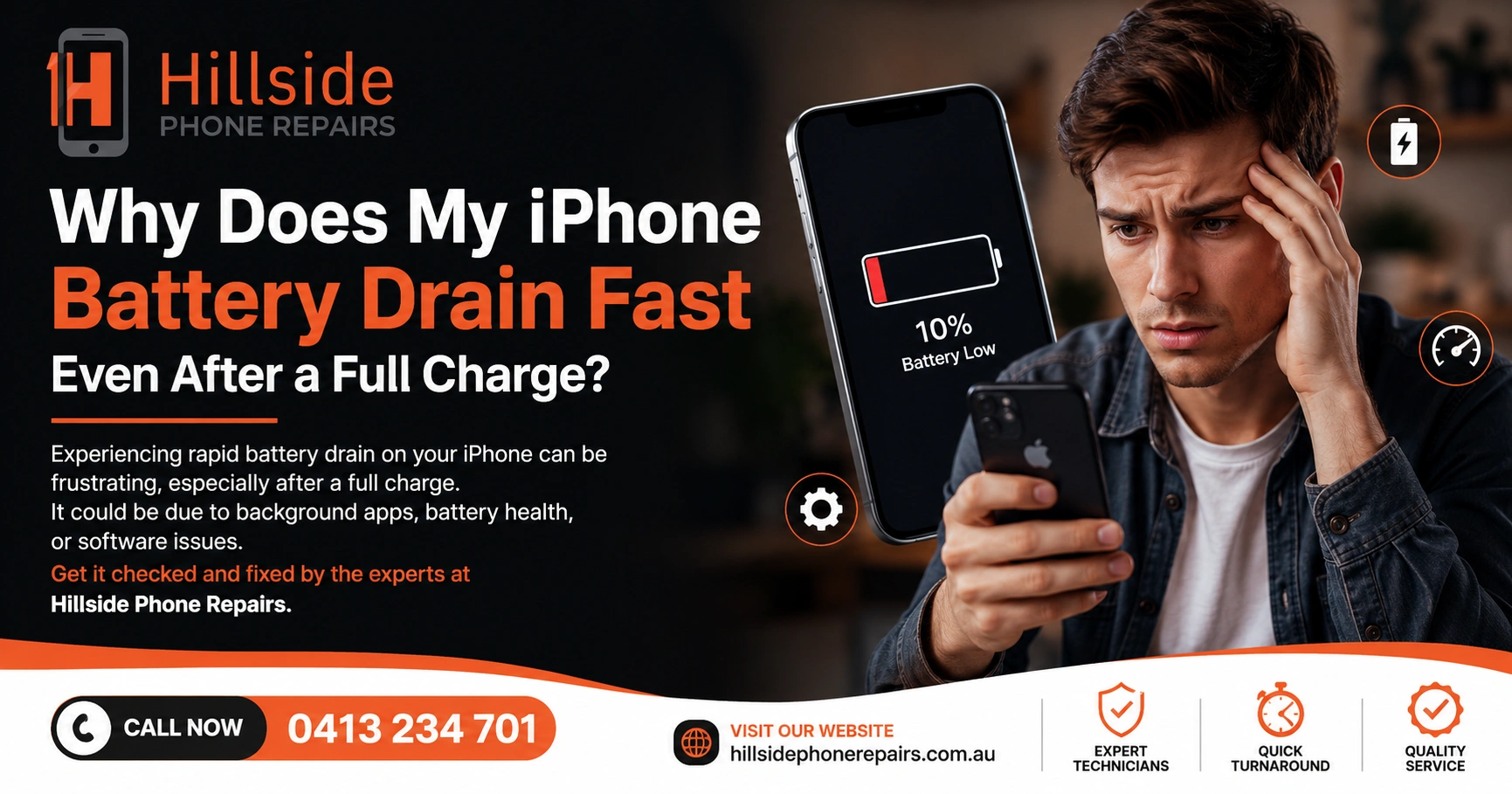
Why Does My iPhone Battery Drain Fast Even After a Full Charge? iPhone battery drains fast even after a full charge due to background app refresh, push notifications, ageing battery cells, rogue apps, or poor signal conditions. If your iPhone battery drains fast even after a full charge, the cause is usually a combination of software settings and battery degradation — both fixable.
📋 Key Takeaways
| Topic | Key Insight |
| Top Cause | Background App Refresh consuming power constantly |
| Battery Degradation | Below 80% health causes fast drain regardless of settings |
| Screen Brightness | High brightness is one of the largest battery consumers |
| 5G Drain | 5G connectivity significantly increases battery consumption |
| Best Fix | Software optimisation + battery replacement at Hillside Phone Repairs |
Why Does My iPhone Battery Drain Fast Even After a Full Charge?
You charged your iPhone to 100% overnight, and by noon it’s already at 30%. Sound familiar? iPhone battery drain fast even after a full charge is one of the most frustrating experiences in modern tech — and it has multiple causes. At Hillside Phone Repairs, we diagnose fast battery drain daily, and we’ve identified the most common culprits.
What Causes iPhone Battery to Drain Fast Even After a Full Charge?
1. Background App Refresh — The Silent Battery Killer
Background App Refresh allows apps to update their content even when you’re not using them. Every app doing this in the background consumes processor power and network connectivity — both of which drain your battery significantly.
Fix: Go to Settings > General > Background App Refresh and disable it for apps that don’t need real-time updates.
2. Battery Health Below 80% — The Core Problem
If your battery health is below 80%, your iPhone simply cannot hold a full charge the way it used to. iPhone battery drains fast even after a full charge is the most visible symptom of battery degradation. The only real fix is a battery replacement — which Hillside Phone Repairs provides with a 12-month warranty in under 30 minutes.
3. Screen Brightness and Always-On Features
Screen brightness is one of the biggest battery consumers on any iPhone. Keep brightness at 50% or lower and enable Auto-Brightness in Settings > Accessibility > Display & Text Size.
4. 5G Connectivity
5G uses significantly more power than 4G LTE. If you’re in an area with poor 5G coverage, your iPhone constantly searches for and reconnects to 5G towers, draining the battery rapidly.
Fix: Go to Settings > Cellular > Cellular Data Options > Voice & Data and switch to LTE if 5G drain is severe.
5. Rogue Apps With Excessive CPU Usage
Some apps contain bugs or poorly optimised code that causes them to consume excessive CPU power. Check Settings > Battery to see which apps consumed the most power in the last 24 hours and 10 days. Uninstall or restrict background access for power-hungry apps.
Why Does My iPhone Battery Drain Fast Even After a Full Charge — Advanced Causes
• Push email: Constant email fetching drains battery — switch to Manual fetch
• Location Services: Apps constantly accessing GPS destroy battery life — review in Settings > Privacy
• Widgets: Live widgets update continuously, consuming background power
• iCloud sync: Large iCloud syncs during the day drain battery fast
• Software bugs: Occasionally iOS updates introduce battery drain bugs — check if a patch is available
People Also Ask: How Do I Stop My iPhone Battery From Draining So Fast?
Enable Low Power Mode, disable Background App Refresh, reduce screen brightness, switch from 5G to LTE in low-coverage areas, and check battery health. If health is below 80%, replace the battery at Hillside Phone Repairs.
People Also Ask: Why Is My New iPhone Losing Battery Fast?
New iPhones often drain fast in the first few days as iOS indexes apps, processes photos, and completes setup tasks. If fast drain persists beyond one week, check for rogue apps or contact Hillside Phone Repairs for a free battery diagnostic.
iPhone Battery Drain Fast Even After a Full Charge — The Hillside Phone Repairs Diagnostic Process
Hillside Phone Repairs uses professional battery diagnostic software to identify the exact cause of your battery drain. Our process includes:
• Battery health scan: Exact capacity, cycle count, and peak voltage reading
• App audit: Identifying which apps are consuming disproportionate power
• Software check: Verifying iOS is updated and free of known battery drain bugs
• Charging port inspection: A damaged port can prevent proper charging, mimicking fast drain
• Hardware inspection: Checking for liquid damage or component issues affecting battery performance
FAQ: Why Does My iPhone Battery Drain Fast Even After a Full Charge?
Q1: Why does my iPhone battery drain fast even after a full charge overnight? Background processes, degraded battery cells, or rogue apps are the likely causes.
Q2: Does iOS update fix iPhone battery drain? Sometimes — Apple regularly patches battery bugs in iOS updates.
Q3: Should I replace my iPhone battery if it drains fast? Yes — if health is below 80%, replacement is the most effective fix.
Q4: How much does an iPhone battery replacement cost at Hillside Phone Repairs? Competitive pricing with a 12-month warranty — visit our website or walk in for a quote.
Q5: Can a factory reset fix fast iPhone battery drain? It can eliminate software causes, but won’t fix a degraded battery.
🏁 Conclusion
iPhone battery drains fast even after a full charge? Don’t just live with it. Hillside Phone Repairs | iPhone Tablet Android Screen Repair provides expert battery diagnostics and certified replacements for all iPhone models. Whether it’s a software setting or a degraded cell, Hillside Phone Repairs has the solution. Visit us today — and ask about our Car Service Membership Plan for exclusive multi-repair savings!